
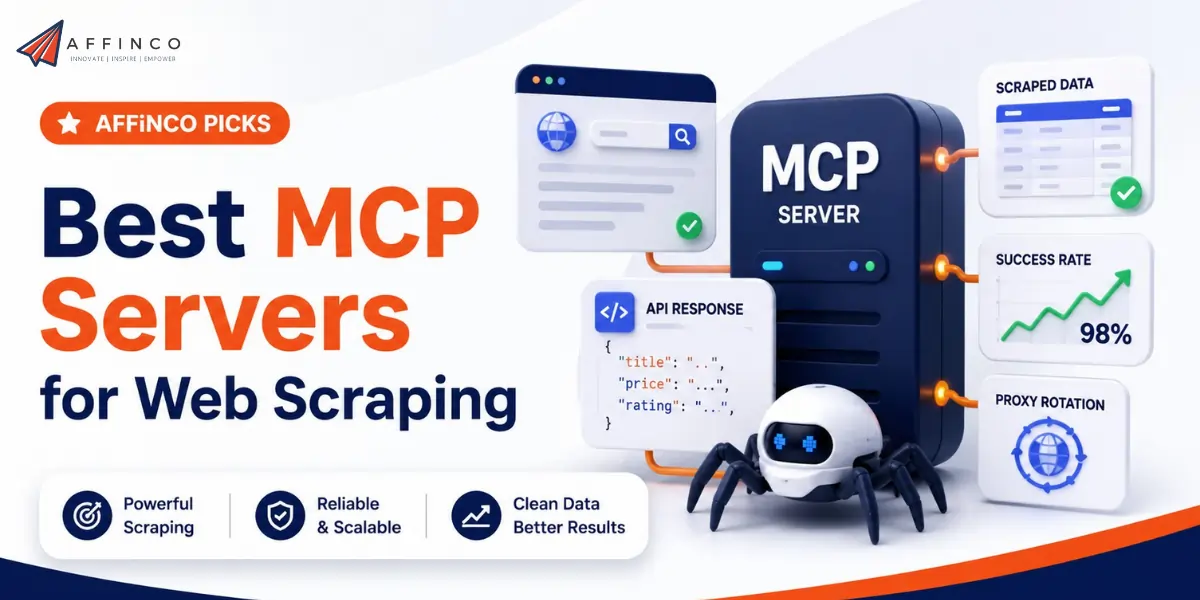
The old scraping loop had a human in the middle: write the script, run it, clean the output, paste it into your tool. MCP removes that middle. Connect a scraping MCP server to Claude or another LLM, and the model fetches live web data itself, mid-conversation, whenever a task needs it.
The best MCP servers for web scraping in 2026 are Decodo for the strongest all-round scraping tools, Firecrawl for generic crawling and LLM-ready output, Apify for the widest tool catalogue, and Oxylabs for AI-assisted structured extraction.
ScrapingBee brings the most granular per-site tools, Nimbleway owns the Maps niche, and SerpApi turns 100-plus search engines into a single tool call. We run four of these (Decodo, Firecrawl, Apify, and Oxylabs) inside our own agency's Claude workflows daily, so this list reflects hands-on use, not just spec sheets.
This guide explains what an MCP server actually is, how it lets a model gather data for you, how to connect one to Claude, and where each of the seven fits.
What Is an MCP Server?
MCP, the Model Context Protocol, is an open standard introduced by Anthropic in late 2024 that gives large language models a uniform way to use external tools. Before MCP, wiring an LLM to a scraper meant writing custom glue code for every model and every API, and rewriting it whenever either side changed.
MCP replaces that with a single interface: a provider publishes an MCP server that exposes its capabilities as named tools with defined parameters, and any MCP-capable client (Claude Desktop, Claude Code, Cursor, Windsurf, and most agent frameworks) can discover and call them.
The mechanics matter less than the effect, but two concepts are worth knowing. A server exposes tools, which are functions the model can invoke with structured arguments, such as a scrape tool that takes a URL and a format.
And it runs over one of two transports: locally on your machine via stdio, typically launched with an npx command, or remotely as a hosted URL you simply add to your client. Most scraping providers now offer both, and the remote option means setup takes about a minute.
Why MCP Changes Web Scraping

Web scraping already went through two automation waves: scraping APIs removed the proxy and CAPTCHA burden, and AI parsing removed brittle selectors. MCP removes the final manual step, the human relay between the data and the model. Instead of running a scraper, exporting results, and pasting them into a chat, you give the model a goal in plain language.
The LLM decides which tool fits, calls it with the right parameters, receives clean data back into its context, and continues working: comparing prices, summarizing reviews, drafting the report, or writing rows to a database through another MCP server.
That last part is the real unlock. A single prompt can now chain the whole pipeline. In our agency, one Claude session can pull competitor pricing through Decodo, cross-check search visibility through a SERP tool, and format the findings into a client deliverable, with no scripts run by hand at any point.
For teams like ours that publish data-driven affiliate content across dozens of sites, that collapses hours of research into a conversation. The model is no longer limited to what it learned in training; it collects what it needs, live.
How to Connect a Scraping MCP Server to Claude
Every provider documents its exact command or URL, but the pattern is the same. For a remote server, you add its hosted URL in your client's connector settings and authenticate with your API key. For a local server, you add a block to your MCP configuration file (for Claude Desktop, claude_desktop_config.json), following this generic shape:
{
  "mcpServers": {
    "scraping-provider": {
      "command": "npx",
      "args": ["provider-mcp-package"],
      "env": { "PROVIDER_API_KEY": "your-api-key" }
    }
  }
}
Restart the client and the provider's tools appear in the model's tool list. From there, usage is conversational: “Scrape the pricing page of these five competitors and put the plans in a table” is a complete instruction.
Two practical tips from our own use: connect only the servers a task needs, because every exposed tool consumes context tokens, and start with each provider's free tier so you can watch which tools the model actually calls before committing to a plan.
The 7 Best MCP Servers for Web Scraping (Reviewed)
| Scraping MCP Server | Standout MCP Tools | Geo-Targeting | Pricing From |
|---|---|---|---|
| Decodo | scrape_as_markdown, Google, Amazon, Reddit | 150+ countries; ZIP (Amazon), city + coordinates (Google) | $19/mo (~$0.50 CPM) |
| Firecrawl | Scrape, Crawl, Map, Search, Extract | 26 locations | Free 500 credits; ~$19/mo |
| Apify | 19,000+ Actors exposed as callable tools | Up to 195 (per Actor) | Free $5 credits; $39/mo |
| Oxylabs | Web Scraper API + AI Studio structured tools | 150+; ZIP (Amazon), coordinates (Google) | $49 (~$0.50 CPM) + AI Studio $12/mo |
| ScrapingBee | Text, HTML, screenshot, Google, Amazon, Walmart, ChatGPT | 150+ (premium proxies); ZIP (Walmart) | $49/mo (250K credits) |
| Nimbleway | extract, deep_web_search, Google Maps | 150+ with state and city | $150 (~53K requests); PAYG |
| SerpApi | Search across 100+ engines and verticals | City-level Google geo | Free 100 searches; $25/mo |
1. Decodo (Best Overall Scraping MCP)

We tested the Decodo MCP across our own content-research workflows, and it earns the top spot on balance of tool quality, success rate, and price.
The generic scrape_as_markdown tool works on virtually any URL and returns clean, model-ready Markdown, while dedicated parsers cover the sites LLMs ask about most: Google Search with city and coordinate targeting, Amazon with ZIP-level localization, and two Reddit tools that let a model pull live threads instead of leaning on stale training data.
It runs on Decodo's proxy infrastructure, the same network behind its Web Scraping API, and posted the highest success rate (87.09 percent) in Proxyway's independent scraper benchmark. Credit costs scale with request complexity, so JavaScript rendering and premium proxies consume more, but entry pricing stays among the lowest in the category.
| Parameter | Detail |
|---|---|
| MCP tools | scrape_as_markdown, Google Search parser, Amazon parser, 2 Reddit tools |
| Geo-targeting | 150+ countries; ZIP for Amazon, city and coordinates for Google |
| Output | Markdown, parsed JSON |
| Pricing model | Credits, billed on successful requests |
| Pricing | From $19/mo (~$0.50 CPM equivalent) |
| Free trial | 7-day trial, 14-day money-back |
2. Firecrawl (Best Generic Crawling MCP)
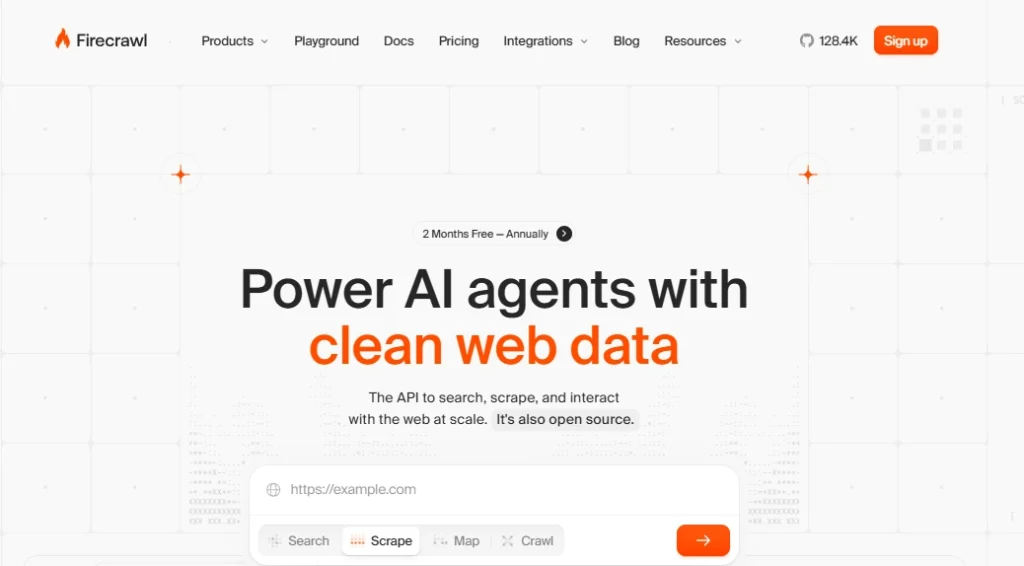
Firecrawl MCP is the server we reach for when the task is “go read that site,” and our testing matches its reputation as the default web-data layer for AI builders. It packs the whole product line into one connection: Scrape for single URLs (solo or batched), Crawl for walking every page under a domain without a sitemap, Map for fast URL discovery, Search for querying the web and returning full page content, plus structured Extract and a long-running deep research mode.
Everything returns clean, LLM-ready Markdown or JSON, which is exactly what a model wants in its context window. The trade-off is focus: it is a generalist, so success rates on heavily defended targets trail the specialist parsers above, though it is also the fastest responder in independent tests. With 500 free monthly credits and open-source roots, it is the easiest first MCP to adopt.
| Parameter | Detail |
|---|---|
| MCP tools | Scrape, Batch Scrape, Crawl, Map, Search, Extract, Deep Research |
| Geo-targeting | 26 locations |
| Output | Markdown, structured JSON, HTML, screenshots |
| Pricing model | Credits (search 2 per 10 results; stealth mode costs more) |
| Pricing | From ~$19/mo (3K credits) |
| Free trial | 500 credits per month, no card |
3. Apify (Widest Tool Catalogue)

The Apify MCP server is unlike the rest of this list: instead of a fixed toolset, it is a gateway to more than 19,000 cloud scrapers, called Actors, that a model can discover and call on demand. In our workflows, that means Claude can search the Apify Store mid-task, find a purpose-built scraper for Zillow, Instagram, Google Maps, or a niche directory, and run it on Apify's managed infrastructure with residential proxies included.
Dynamic discovery is the killer feature: you do not pre-wire tools for every target, the model finds them. Results land in datasets exportable as JSON, CSV, or Excel, and the platform's scheduling and storage carry over.
Pricing follows each Actor (pay-per-result or compute), which makes totals variable, but the free plan's $5 monthly credits are enough to prove the pattern before you spend.
| Parameter | Detail |
|---|---|
| MCP tools | Actor discovery and execution across 19,000+ scrapers, dataset retrieval |
| Geo-targeting | Up to 195 locations, depending on the Actor |
| Output | JSON, CSV, Excel, XML datasets |
| Pricing model | Per-Actor usage (pay-per-result or compute units) |
| Pricing | From $39/mo |
| Free trial | Free plan with $5 monthly credits |
4. Oxylabs (Best AI-Assisted Extraction)

Oxylabs built its MCP by exposing two product lines, and in our testing the combination is the most powerful AI-native stack here. The Web Scraper API side contributes a generic scraper plus Google search, Amazon search, and Amazon product tools, running on the 175-million-IP network that consistently tops success-rate benchmarks (85.82 percent average in Proxyway's research).
The AI Studio side is the differentiator: four tools that use AI to return structured data from arbitrary pages, effectively putting an extraction model inside your model, which shines on targets no template covers. Geo control reaches ZIP level for Amazon and city plus coordinates for Google. The catch is that the full package needs both subscriptions; if you only want one half, buy that half.
| Parameter | Detail |
|---|---|
| MCP tools | Generic scraper, Google search, Amazon search, Amazon product, 4 AI Studio structured-extraction tools |
| Geo-targeting | 150+ countries; ZIP (Amazon), city and coordinates (Google) |
| Output | Parsed JSON, structured AI extraction, HTML |
| Pricing model | Successful requests (Scraper API); credits (AI Studio) |
| Pricing | Web Scraper API $49 (~98K results); AI Studio from $12/mo |
| Free trial | 7-day business trial; 3-day refund for individuals |
5. ScrapingBee (Best Tool Granularity)
ScrapingBee's MCP stands out for how finely it slices the work into tools a model can reason about. Four basics cover the primitives: extract all page text, fetch raw HTML, capture a screenshot, or download a specific file such as a PDF or image.
The rest are precision instruments for common targets: Google SERP, Amazon search and product data, Walmart with localization down to an individual store or ZIP code, and, unusually, a tool for scraping ChatGPT answers, which is genuinely useful for anyone tracking AI-visibility the way we do after each Google quality update.
Independent testing puts its success rates above 90 percent on Amazon, Google, and Walmart. Requests cost 1 to 75 credits depending on rendering and proxy tier, so difficulty drives your effective price.
| Parameter | Detail |
|---|---|
| MCP tools | Text, HTML, screenshot, file download, Google SERP, Amazon, Walmart (store/ZIP), ChatGPT answers |
| Geo-targeting | 150+ countries (premium proxies); ZIP for Walmart |
| Output | Text, HTML, JSON, screenshots, files |
| Pricing model | Credits (1 to 75 per request) |
| Pricing | $49/mo for 250K credits |
| Free trial | 1,000 credits for 14 days |
6. Nimbleway (Best for Maps and Search-Then-Scrape)

Nimbleway's MCP covers a workflow the others mostly skip: local and Maps data. Its Google Maps tools pull place and business information that feeds lead generation and local SEO analysis, a niche no other server on this list serves natively.
Around them sit smart generalist tools: extract scrapes URLs you already know, deep_web_search runs a query on Google, Bing, or Yandex and then scrapes the results in one motion, and targeted_engines lists Nimbleway's pre-trained site templates so the model knows what targeted_retrieval can fetch in structured form.
Benchmark success rates trail the leaders, partly because averages punish specialists on targets they never optimized for, so weigh it on your actual use case. Pricing starts higher than most, with pay-as-you-go available.
| Parameter | Detail |
|---|---|
| MCP tools | extract, deep_web_search (Google, Bing, Yandex), Google Maps tools, targeted_engines, targeted_retrieval |
| Geo-targeting | 150+ countries with state and city |
| Output | Structured JSON, parsed templates |
| Pricing model | Successful requests; PAYG or subscription |
| Pricing | From $150 (~53K requests, $2.80 CPM) |
| Free trial | Available |
7. SerpApi (Best Search-Engine Coverage)

SerpApi's MCP server does one thing at unmatched breadth: it hands the model live search results from more than 100 engines and verticals as structured JSON. Google Search, Maps, Shopping, News, Images, Scholar, and Trends sit alongside Bing, Baidu, Yahoo, YouTube, Amazon, Walmart, and eBay, so a single connection covers rank checks, product research, news monitoring, and academic lookups.
Every request runs in a full browser with CAPTCHA solving, only successful searches are billed, and results include rich SERP features such as knowledge panels and AI Overviews, which makes it the natural pick for answer-engine-optimization tracking.
It is a search specialist rather than a page scraper, so pair it with Firecrawl or Decodo when the model also needs to read the pages it finds. For a deeper comparison of the underlying APIs, see our guide to the best SERP APIs.
| Parameter | Detail |
|---|---|
| MCP tools | Search across 100+ engines and verticals, locations lookup |
| Geo-targeting | City-level via Google geolocated parameters |
| Output | Structured JSON with full SERP features |
| Pricing model | Successful searches only |
| Pricing | From $25/mo (1K searches) |
| Free trial | Forever-free 100 searches per month |
Notable Mention: Bright Data (Not Yet Tested by Us)

Bright Data is too significant to omit, though unlike the four leaders above we have not run its MCP in our own workflows yet, so treat this as researched rather than verified. Its server exposes roughly 70 tools, and the twist is that most are not scrapers: they give a model access to structured, validated web data from 190-plus ready datasets spanning 120-plus domains such as LinkedIn, Amazon, and Instagram.
A free tier covers web search and a general Markdown scraper, while browser control and the dataset tools require a paid plan.
Exposing 70 tools at once burns context, so Bright Data added tool groups that cut token consumption by a claimed 60 percent, a design detail worth copying industry-wide.
Pay-as-you-go starts around $1.50 CPM with 5,000 free credits to test.
Real Use Cases: What an LLM Can Do With These Servers
The pattern is always the same: describe the outcome, let the model pick the tools. A few workflows we run or have built for clients.
Each of these once required a script, a scheduler, and an export step; now each is a prompt.
Frequently Asked Questions About MCP Servers
What is the difference between an MCP server and a scraping API?
A scraping API is the engine: you call its endpoints from code with exact parameters. An MCP server is an adapter that describes those same capabilities to a language model as tools it can call autonomously.
The API requires a developer in the loop; the MCP version lets the model decide when to scrape, with what settings, and what to do with the result. Most providers here expose their existing API through MCP, so performance is identical, and only the caller changes.
Do scraping MCP servers work only with Claude?
No. MCP is an open standard, and while Anthropic created it, the protocol is supported by Claude Desktop, Claude Code, Cursor, Windsurf, and a growing set of agent frameworks and IDEs. Any client that implements MCP can use any compliant server. That said, Claude's deep MCP support and large context window make it the most common host for scraping workflows, and it is what we run these servers on internally.
Local or remote: which transport should I use?
Remote servers, added as a hosted URL, are the fastest to set up, need no local runtime, and update automatically, which suits most users.
Local stdio servers, launched via a command like npx, keep credentials on your machine and work offline against your own infrastructure, which some teams prefer for compliance. Providers on this list generally offer both; when in doubt, start remote and move local only if policy demands it.
Do MCP tools consume my context window and tokens?
Yes, twice over. Every connected server publishes tool definitions into the model's context, so connecting many servers at once shrinks the room left for your actual task, and every tool response (a scraped page, a SERP) lands in context too.
The practical fixes: connect only what the task needs, prefer tools that return Markdown or trimmed JSON over raw HTML, and cap result counts in your prompt. Bright Data's tool-group approach exists precisely because 70 exposed tools were eating budgets.
Is it safe to let an LLM scrape the web through MCP?
Treat it like any automation with credentials. Keep API keys in the server configuration rather than in prompts, set spend caps in each provider dashboard, and remember that scraped pages are untrusted input: a malicious page could try to steer the model, so review agent actions that write data or spend money.
On the legal side, the same rules as ordinary scraping apply, so collect public data, respect the target's terms, and handle personal information under GDPR and CCPA obligations. This is informational, not legal advice.
Can I use these MCP servers for free?
You can test every pick here without a commitment. Firecrawl gives 500 credits monthly, Apify includes $5 in platform credits, SerpApi offers a permanent 100 searches a month, ScrapingBee grants 1,000 trial credits, Decodo runs a 7-day trial with a money-back window, Oxylabs offers a business trial and refund period, Nimbleway has a trial on request, and Bright Data's free tier covers search and basic Markdown scraping. Prove the workflow on free volume, watch which tools your model actually calls, then pay only for that.

Final Word
MCP turns web scraping from a task you perform into an ability your model has. Start with Decodo if you want the best all-round toolset we have tested, Firecrawl for crawling and clean Markdown, Apify when the model should discover its own tools across 19,000 scrapers, and Oxylabs for AI-driven structured extraction on hard pages.
Add ScrapingBee for granular retail and even ChatGPT scraping, Nimbleway for Maps and local data, and SerpApi to hand your model every search engine at once. Connect one to Claude, give it a real research task, and the difference over copy-paste workflows is obvious within an hour.
For the infrastructure layer beneath these tools, see our guides to the best rotating proxies and best proxies for cURL, and if your automation extends to managing accounts alongside scraping, the best antidetect browsers.

Ali
Ali is a digital marketing expert with 7+ years of experience in SEO-optimized blogging. Skilled in reviewing SaaS tools, social media marketing, and email campaigns, we craft content that ranks well and engages audiences. Known for providing genuine information, Ali is a reliable source for businesses seeking to boost their online presence effectively.