
I've been using Supermetrics for over two years now to automate my marketing data reporting, and this Supermetrics review covers everything you need to know before subscribing! 📊
Trustpilot Rating
AFFMaven Rating
Supermetrics recently launched Supermetrics AI, introducing the Insights Agent and Dashboard Agent – making it even easier to analyse your ad performance data without manual work. You can now query your campaigns in plain English and get instant answers.
In this detailed Supermetrics review 2026, I'll walk you through all the key features, pricing plans, pros and cons, plus how to set up your first automated marketing report in Google Sheets or Looker Studio. Let's get into it! 🚀
What is Supermetrics? 🤔
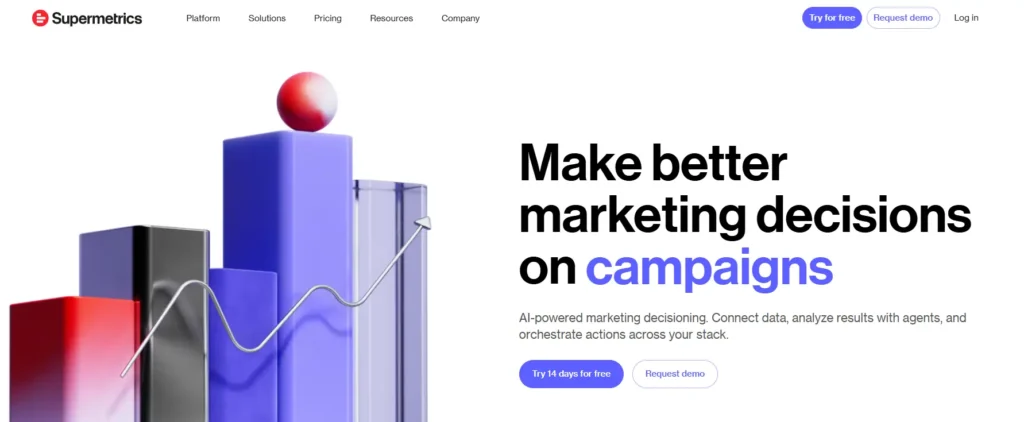
Supermetrics is a marketing intelligence platform that automates data collection from over 130+ advertising and analytics sources. It pulls campaign metrics directly into your favourite reporting tools like Google Sheets, Looker Studio, Excel, and data warehouses.
Founded in Helsinki by Mikael Thuneberg, the platform now serves 200,000+ companies across 120 countries. Marketers use it to eliminate manual CSV downloads and build automated marketing dashboards that refresh on schedule.
| Key Aspect | Details |
|---|---|
| 🏢 Company Name | Supermetrics Oy |
| 📅 Founded | 2013 |
| 👨💼 Founder | Mikael Thuneberg |
| 🎯 Current CEO | Anssi Rusi |
| 📍 Headquarters | Helsinki, Finland |
| 🌍 Office Locations | Helsinki, Dublin, Amsterdam, Singapore, Vilnius |
| 👥 Total Employees | 360+ |
| 🌐 Nationalities | 40+ |
| 💰 Total Funding | €40 Million Series B |
| 📊 Active Users | 200,000+ Companies |
| 🔌 Data Connectors | 130+ Integrations |
| 🏭 Industry | SaaS, Marketing Technology |
| 💼 Business Model | B2B Subscription |
| 🔒 Security | SOC 2 Type II Certified |
| ⭐ G2 Rating | 4.6/5 Stars |
The platform started when Thuneberg built a simple script connecting Google Analytics API to Microsoft Excel back in 2009. Today it has grown into a full marketing data integration solution processing millions of queries weekly for agencies and enterprise teams alike.
Supermetrics Key Features At a Glance⚡
Right, let's get into the meat of what makes Supermetrics tick. Here's what you're getting under the bonnet:
Massive Library of Data Connectors

With 100+ data connectors, Supermetrics integrates with virtually every platform in your marketing tech stack.
That includes:
The connection process is dead simple: select your data source, authorise access, and you're ready to pull data.
Multiple Data Destinations
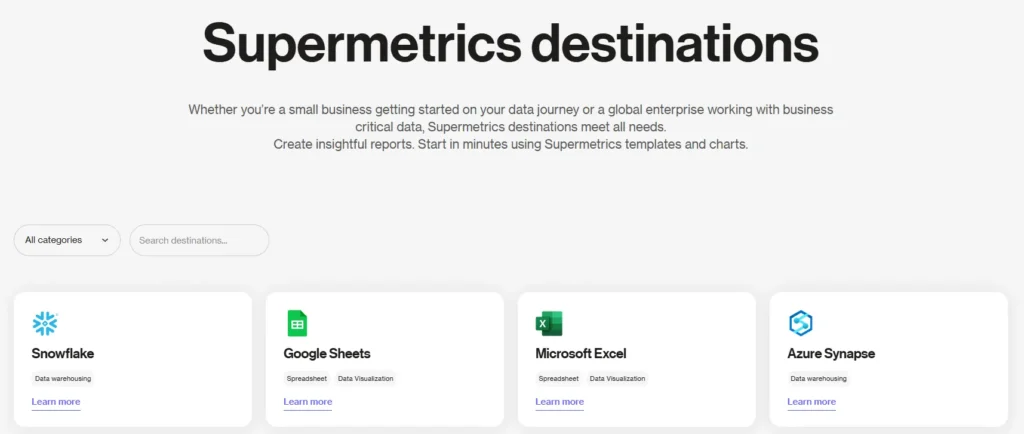
Supermetrics sends your cleaned marketing data wherever you need it:
Automated Data Refresh
No more manual updates! Set your reports to refresh automatically on a schedule:
This means your marketing dashboards are always showing the latest numbers without you lifting a finger.
Supermetrics AI
Supermetrics has jumped on the AI bandwagon with some clever features:
The AI is built on deterministic guardrails, meaning the numeric data shown on AI-generated dashboards is 100% hallucination-free. That's important when you're making budget decisions!
Data Transformations
Clean, organise, and standardise your data automatically. Supermetrics handles the heavy lifting so every number tells the true story. You can:
Pre-Built Templates
Don't fancy building reports from scratch? Supermetrics offers pre-built dashboard templates that you can deploy immediately. Whether you need a PPC performance report, social media analytics dashboard, or client-facing executive summary, there's likely a template ready to go.
Supermetrics Pricing: What Does It Cost? 💰
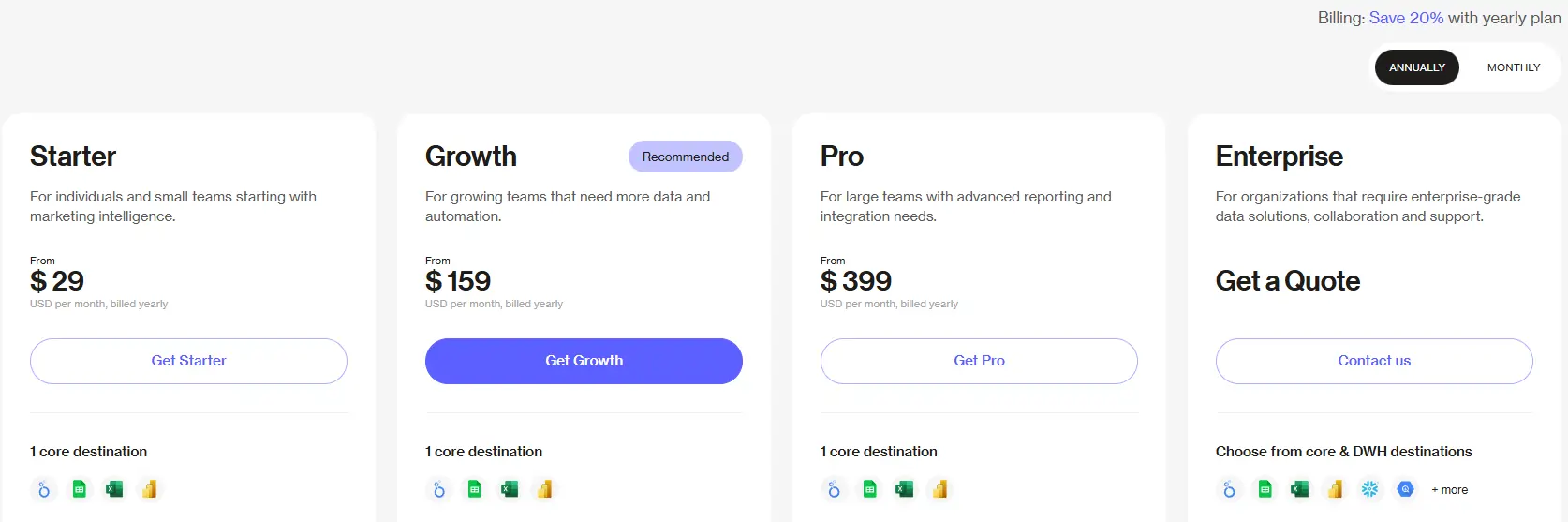
Supermetrics uses a tiered pricing model that varies based on your reporting destination and feature needs.
| Supermetrics Plan | Monthly Price | Annual Price | Accounts | Refresh Rate | Best For |
|---|---|---|---|---|---|
| Starter | $37/month | $29/month | 3 | Weekly | Freelancers, small businesses |
| Growth | $199/month | $159/month | 7 | Daily | Growing agencies, marketing teams |
| Pro | $499/month | $399/month | Custom | Daily | Large agencies, enterprises |
| Enterprise | Custom pricing | Unlimited | Unlimited | On-demand | Enterprise organisations |
Prices can add up quickly if you need multiple destinations. For instance, if you want Google Sheets AND Looker Studio AND Excel, that's potentially three separate subscriptions. The costs also escalate when you add more data sources, users, and destinations.
Annual billing saves you around 20% compared to monthly payments. The Enterprise tier includes dedicated Customer Success Manager support and custom onboarding.
How to Get Started with Supermetrics? 🚀
Setting up Supermetrics is pretty straightforward compared to other marketing intelligence tools.
- Step 1: Create Your Account
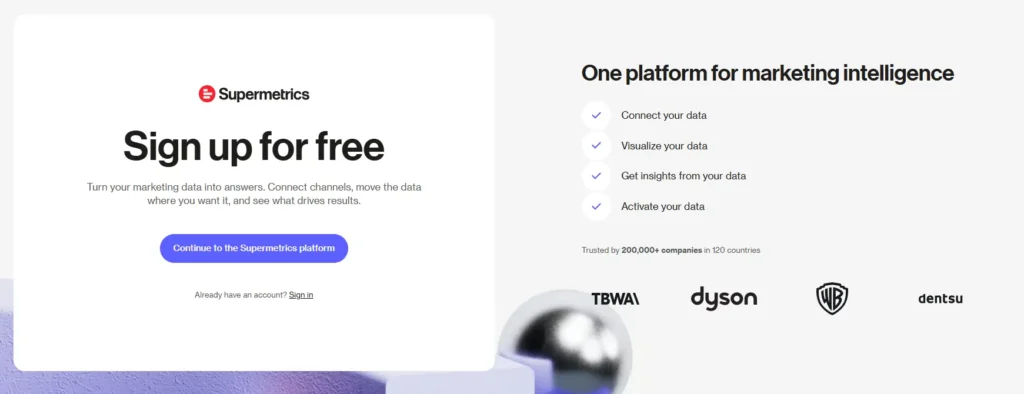
Sign up on supermetrics.com and grab their 14-day free trial—no credit card required.
- Step 2: Connect Data Sources
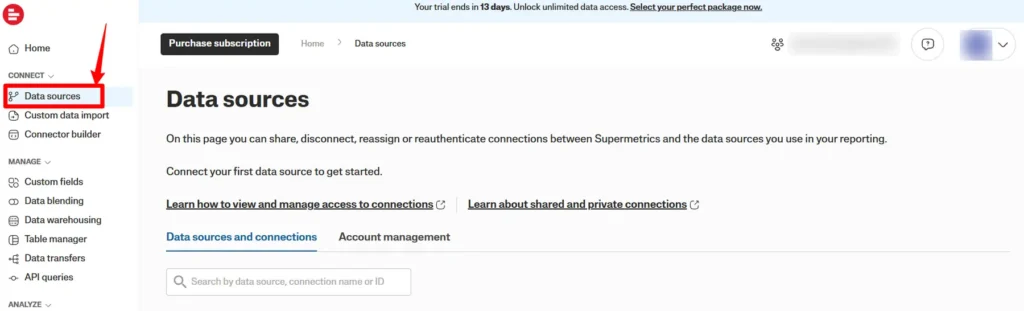
Pick the platforms you want to pull data from. Just authorise access through standard OAuth authentication.
- Step 3: Choose Your Destination
Select where you want data to land—Google Sheets is the most popular starting point for beginners.
- Step 4: Build Your First Query
Use the sidebar interface to select metrics, dimensions, and date ranges. Click “Get Data” and watch the magic happen.
- Step 5: Schedule Automatic Refreshes
Set your data to update automatically so your reports stay fresh without manual intervention.
The entire setup takes roughly 10-15 minutes for basic configurations. Supermetrics claims marketers can start seeing revenue-moving insights in minutes, not months.
Supermetrics Pros and Cons ⚖️
After testing and researching user feedback, here's the honest breakdown:
Pros 👍
Cons 👎
Best Integrations for Affiliate Marketers and Media Buyers 🎯
If you're in affiliate marketing or media buying, here are the integrations that matter most:
The ability to blend data from multiple sources into unified reports means you can finally see the complete picture of your marketing ROI without jumping between platforms.
Common Issues and How to Solve Them 🛠️
Here are problems you might encounter and workarounds.
Supermetrics for Agencies: Build Your Own Data Products 🏗️
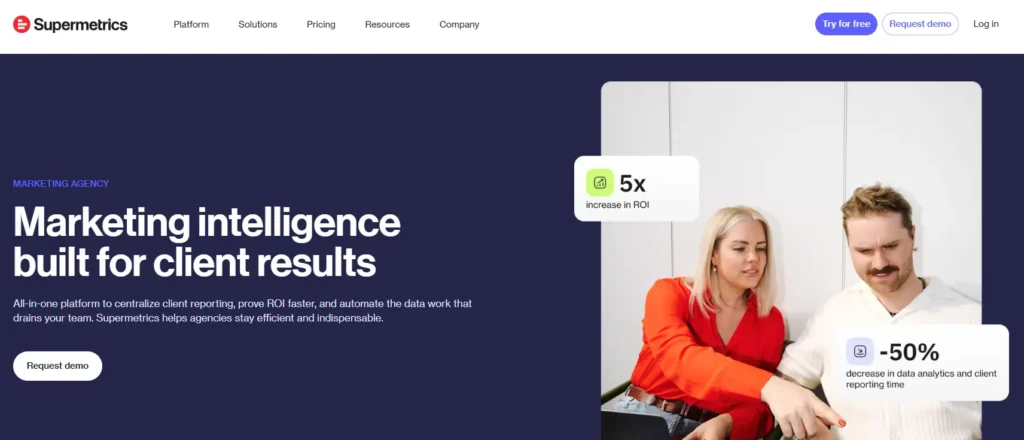
One newer offering worth mentioning is Build on Supermetrics—a set of APIs letting agencies and SaaS companies create custom client-facing data products without maintaining fragile integrations.
This includes:
If you're an agency wanting to offer embedded analytics or a SaaS company needing marketing data infrastructure, this opens up proper scalable opportunities.
Supermetrics Alternatives Compared 📈
Supermetrics isn't the only game in town. Here's how it stacks up against the main competitors:
| Feature | Supermetrics | Funnel.io | Windsor.ai | Databox |
|---|---|---|---|---|
| Data Sources | 100+ | 500+ | 100+ | 70+ |
| Starting Price | $47/month | $108/month | $19/month | $47/month |
| Free Trial | 14 days | 14 days | 30 days | 14 days |
| No-Code Setup | ✅ | ✅ | ✅ | ✅ |
| Data Blending | Advanced | Advanced | Intermediate | Intermediate |
| Built-in Dashboards | ❌ | ✅ | ❌ | ✅ |
| Mobile App | ❌ | ❌ | ❌ | ✅ |
| White-Label Reports | ✅ | ✅ | ✅ | ❌ |
Supermetrics clearly leads in advanced data blending and overall platform maturity, which matters for complex reporting needs.
Who Should Use Supermetrics? 👥
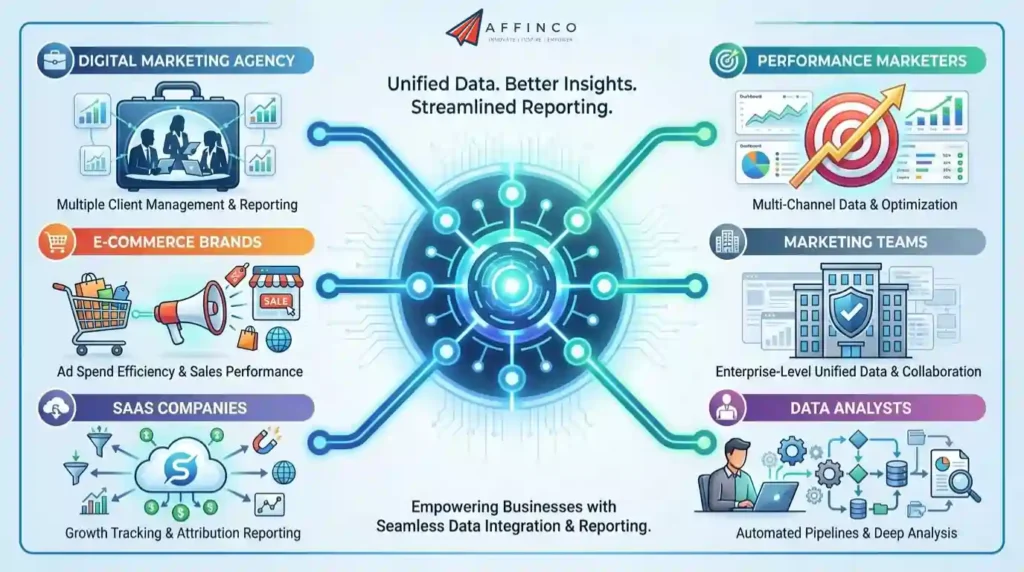
Supermetrics works best for:
If you're running campaigns across multiple advertising platforms and spending hours each week copying data manually, Supermetrics eliminates that tedious work entirely.
Security and Compliance 🔒
Supermetrics takes data security seriously. Here's what they offer:
For agencies handling client data or enterprises with strict compliance requirements, these features are essential rather than nice-to-haves.
Is Supermetrics Worth It in 2026? 🏆
For agencies and marketing teams drowning in manual data extraction, Supermetrics is absolutely worth considering. The time savings alone justify the cost for most serious operations.
However, solo marketers and small teams should carefully evaluate whether they actually need 100+ connectors or if a simpler tool would suffice. The pricing adds up fast once you need multiple destinations, users, or premium data sources.
Best suited for:
Might be overkill for:
Starting at $ 29/month, it's accessible for smaller teams whilst offering enterprise features for larger organisations. But is the investment worth it for YOUR specific marketing stack and budget? 🤔


Ali
Ali is a digital marketing expert with 7+ years of experience in SEO-optimized blogging. Skilled in reviewing SaaS tools, social media marketing, and email campaigns, we craft content that ranks well and engages audiences. Known for providing genuine information, Ali is a reliable source for businesses seeking to boost their online presence effectively.