
Scaling your ad creatives usually involves a messy cycle of shipping products, chasing creators, and praying the final video isn’t awkward. It is an expensive logistical headache that makes testing fresh hooks impossibly slow.
Fortunately, synthetic media has evolved beyond the robotic avatars of last year. You can now produce high-performing assets instantly, but only if you choose the right platform. I’ve tested the current market leaders to separate the realistic from the fake. Here is my analysis of the Top 7 AI UGC Video Generators that can genuinely replace a traditional production workflow.
How Does an AI UGC Video Generator Work? (Technical Breakdown)
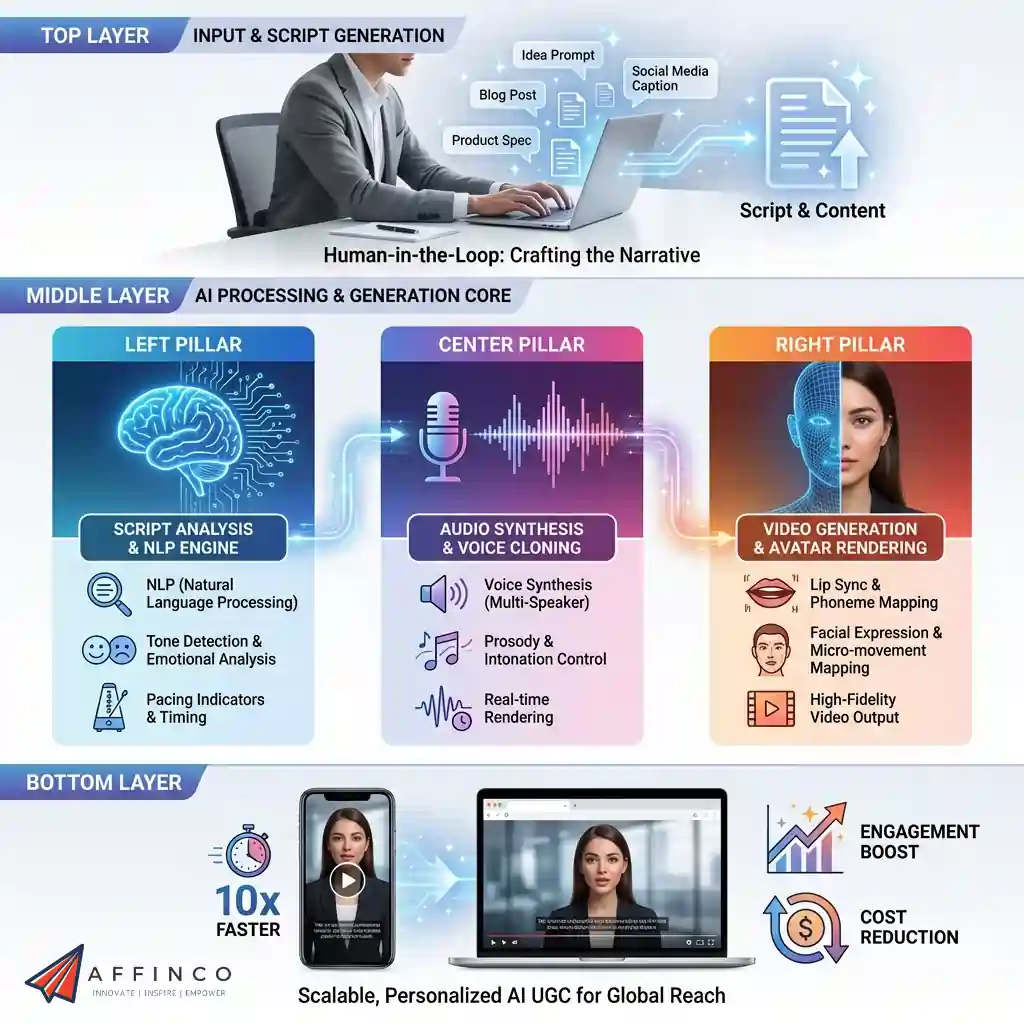
An AI UGC video generator automates content creation by synthesizing realistic human avatars with natural voiceovers, eliminating the need for physical shoots. These tools rely on advanced deep learning models like Generative Adversarial Networks (GANs) and diffusion transformers to process text inputs into video output.
The core technology functions through three synchronized layers:
This seamless integration allows marketers to produce high-fidelity ads at scale, significantly reducing production time while maintaining viewer engagement.
Top-Rated AI UGC Video Platforms That Drive Real Engagement
| Top AI UGC Video Generators | Core Strength | Unique Selling Point |
|---|---|---|
| Higgsfield AI | Cinematic Storytelling | Granular Camera Control |
| OpenArt AI | E-commerce Video | One-Click Stories |
| TopView.ai | High-Volume Ads | URL-to-Video Conversion |
| HeyGen | Realistic Avatars | Instant Avatar Cloning |
| InVideo AI | Text-to-Video | Conversational Video Editing |
| Kling AI | Motion Physics | 5s+ Consistent Clips |
| Pykaso AI | 4K Face Swap | Bulk Content Localization |
1. Higgsfield AI
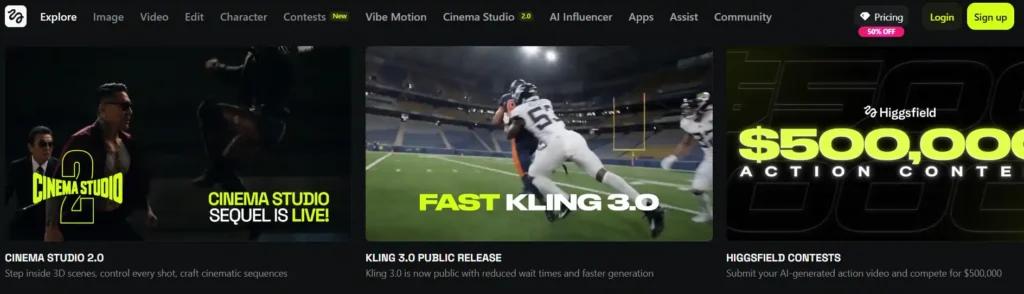
For marketers tired of generic stock footage, Higgsfield AI offers a specialized solution for creating custom, narrative-driven content. This AI UGC video generator focuses on “world-building” rather than just avatars, allowing users to generate coherent scenes and characters that maintain consistency across multiple clips.
The platform’s standout feature is its ability to blend text-to-video with image-to-video capabilities, giving creators granular control over the final output.
By using advanced motion synthesis, Higgsfield ensures that your AI-generated characters move and interact naturally, making it a strong contender for creating viral social media hooks that feel less like ads and more like organic entertainment.
Higgsfield AI Pros and Cons
Pros
Cons
Why Choose Higgsfield AI?
Ideal for creative strategists and storytellers who need consistent character models and cinematic control rather than simple talking-head videos.
2. OpenArt AI
OpenArt AI has evolved from a static image generator into a comprehensive creative suite, making it a versatile AI UGC video generator for e-commerce brands.
It excels at turning static product photos into dynamic video assets, a critical feature for dropshippers and Amazon sellers looking to boost click-through rates.
Beyond simple animation, OpenArt provides a vast library of community-trained models, ensuring you can find a visual style that matches your specific niche.
Its “brain rot” video capability—viral, fast-paced clips designed for TikTok retention—allows marketers to capitalize on current social media trends instantly, without needing complex video editing software.
OpenArt AI Turns Photos Into Viral Videos
Use OpenArt AI to convert product photos into high-converting TikTok-style ads with 15% Off using code ALL15.
OpenArt AI Pros and Cons
Pros
Cons
Why Choose OpenArt AI?
Perfect for e-commerce marketers needing to quickly turn static product images into engaging, trend-focused video ads for social media.
3. TopView.ai
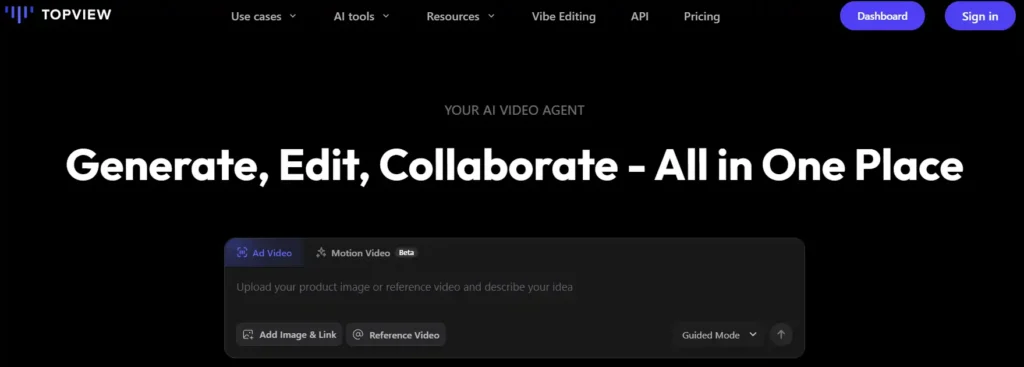
TopView.ai positions itself as a speed-focused AI UGC video generator designed specifically for high-volume advertisers. If your goal is to test dozens of ad creatives daily, this tool streamlines the workflow by converting simple product links or raw footage into polished, platform-ready ads in minutes.
The platform acts more like an automated production assistant than a simple editor, handling the heavy lifting of hook selection and pacing.
While it may lack the granular customization of cinematic tools, its “Quick Publish” feature is a game-changer for agencies and media buyers who need to scale their winning creatives rapidly across TikTok and Meta.
TopView.ai Pros and Cons
Pros
Cons
Why Choose TopView.ai?
The go-to solution for media buyers and dropshippers who need to generate and test a high volume of ad variations daily.
4. HeyGen
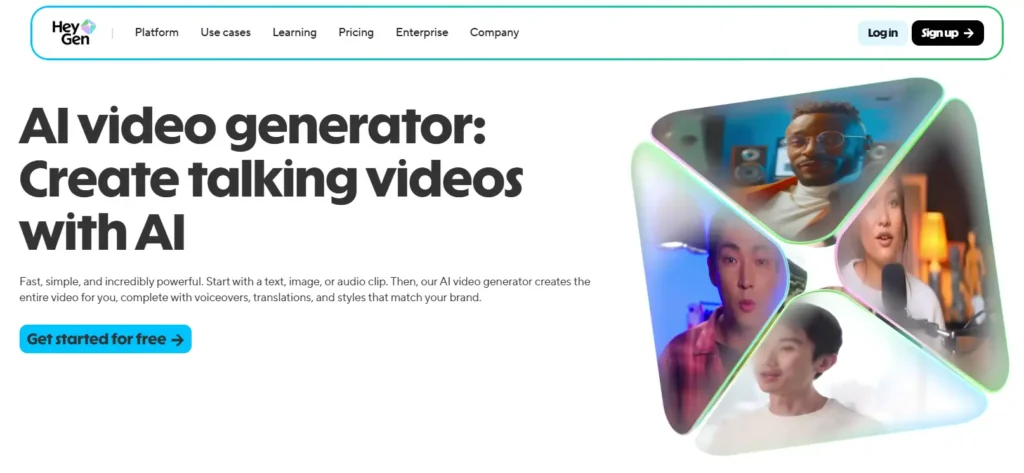
HeyGen is widely recognized as the industry leader for realistic avatar technology, making it the premium choice for an AI UGC video generator.
Its “Instant Avatar” technology allows founders and creators to clone themselves, producing authentic-looking user-generated content without filming every single update.
The platform creates studio-quality results with precise lip-syncing and natural facial micro-expressions. For brands that rely on trust and authority—such as software companies or educational platforms—HeyGen delivers a level of polish that distinguishes high-ticket offers from low-quality spam. Its API integration also allows for personalized video scaling at an enterprise level.
HeyGen Pros and Cons
Pros
Cons
Why Choose HeyGen?
Essential for founders and premium brands requiring broadcast-quality realism and the ability to clone their own persona for scalable content.
5. InVideo AI
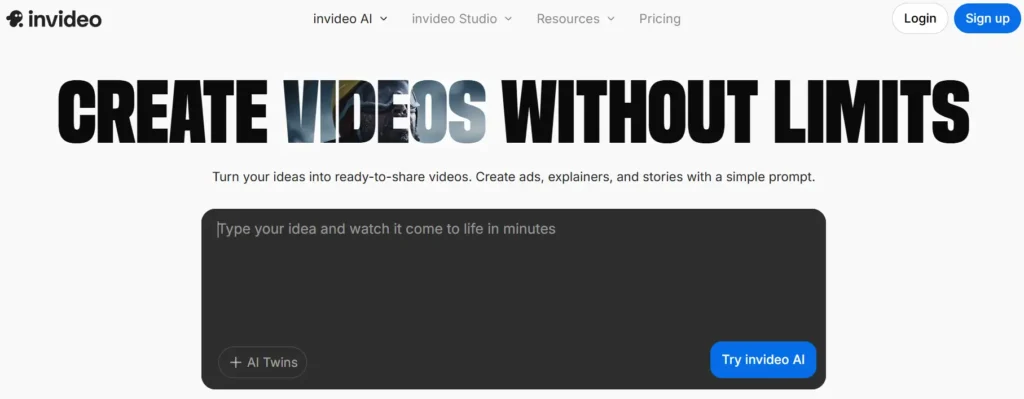
InVideo AI is a comprehensive text-to-video platform that functions as a complete AI UGC video generator and editor in one. Unlike tools that only generate a clip, InVideo builds entire narratives complete with stock footage, voiceovers, subtitles, and transitions from a single text prompt.
The tool's “copilot” feature allows you to make conversational edits—like “change the tone to be more energetic” or “replace the second scene“—making it accessible for users with zero video editing experience. This flexibility makes it an all-in-one powerhouse for managing a brand's entire organic social media channel.

🔥 InVideo AI Turns Text Into Viral Videos Instantly
Grab InVideo AI coupon code INVIDEOOFFER25 and get 25% off powerful AI video generator and editing platform.
InVideo AI Pros and Cons
Pros
Cons
Why Choose InVideo AI?
Best for content marketers and YouTubers who need a complete “text-to-final-cut” solution for producing consistent educational or listicle content.
6. Kling AI
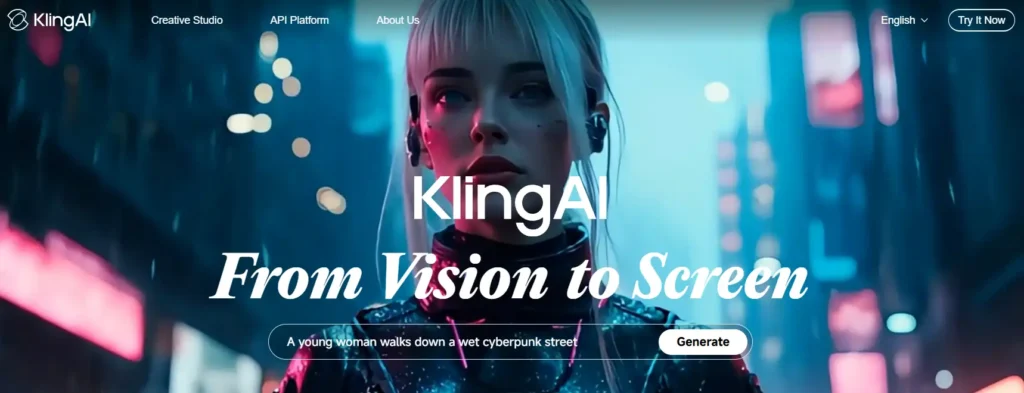
Kling AI is a formidable competitor in the generative video space, offering a powerful AI UGC video generator that rivals major studio tools. Known for its high-fidelity motion handling, Kling excels at creating complex scenes where physics and lighting need to look realistic.
The platform has gained traction globally for its ability to generate longer, consistent clips (up to 5-10 seconds) that don't warp or distort as much as earlier AI models. For creators looking to push the boundaries of what AI video can look like—blending surrealism with photorealism—Kling provides the technical muscle needed for high-end visual effects.
Kling AI 10% Off Cinematic Video Generator
Get 10% off Kling AI and create stunning AI-generated videos with photorealistic lighting and seamless motion rendering.
Kling AI Pros and Cons
Pros
Cons
Why Choose Kling AI?
Recommended for creative directors and high-end brands needing cinematic motion quality and realistic physics for premium commercial spots.
7. Pykaso AI
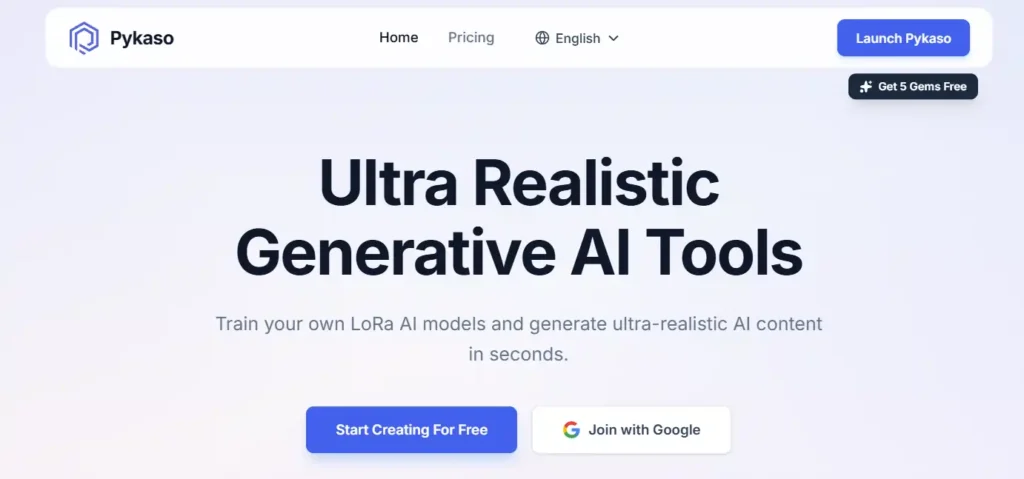
Pykaso AI is a versatile creative suite that combines high-resolution image generation with video capabilities, serving as a robust AI UGC video generator for creators who demand 4K quality.
It stands out for its “Face Swap” technology, allowing users to maintain consistent character identity across different video scenes—a critical feature for building a virtual influencer or brand mascot.
The platform is designed for speed and scale, offering bulk processing capabilities that let you swap faces on multiple images or videos simultaneously.
This makes it a secret weapon for affiliate marketers and content farms that need to localize content or refresh winning ads with new diverse faces without re-shooting the original footage.
Pykaso AI Pros and Cons
Pros
Cons
Why Choose Pykaso AI?
A top pick for affiliate marketers and agencies needing 4K quality and bulk face-swapping capabilities to localize and scale ad campaigns efficiently.
Step-by-Step: Creating Your First Ad with an AI UGC Video Generator
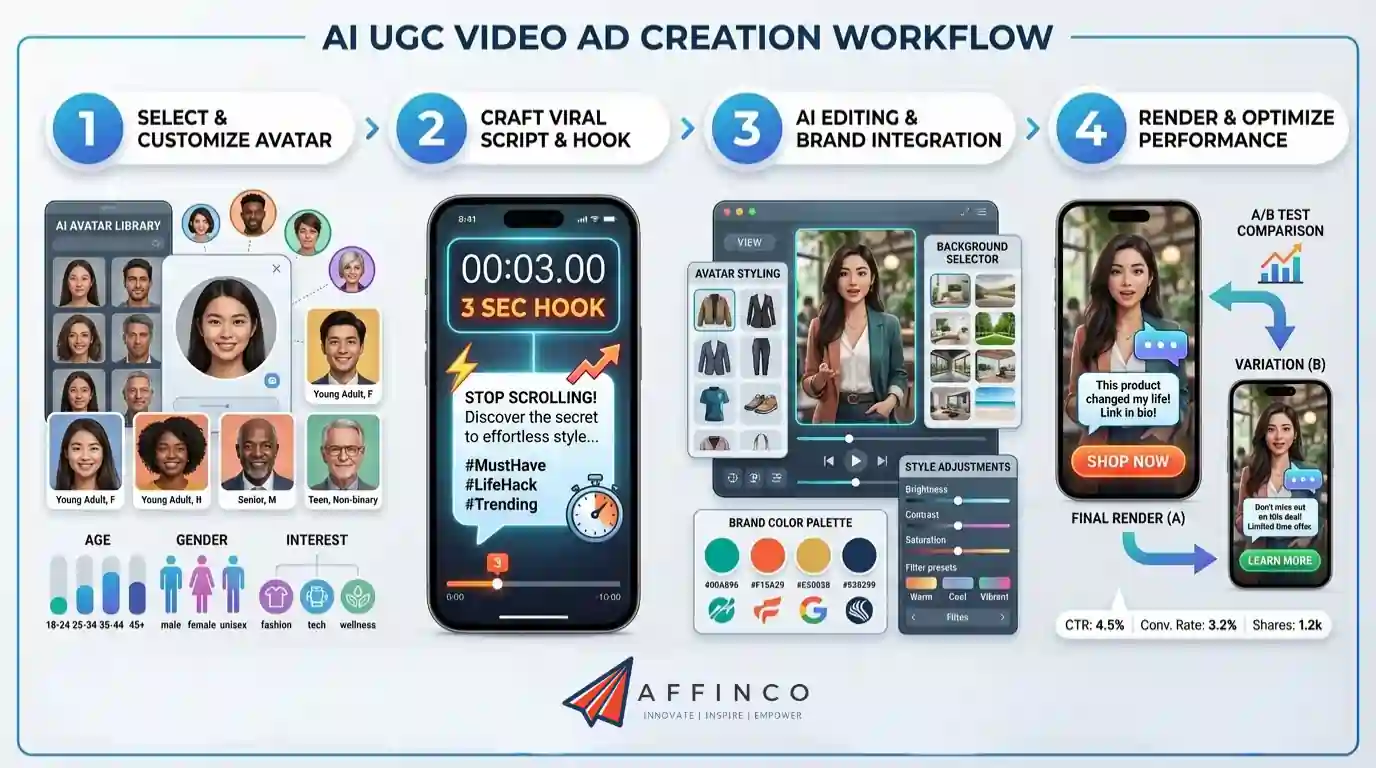
Creating a high-converting ad with an AI UGC video generator requires more than just pasting text; you need a strategic workflow to maximize engagement. Start by selecting an AI avatar that genuinely resonates with your specific target demographic to build immediate trust.
Once configured, the rendering engine processes your inputs into a polished vertical video ready for TikTok or Reels. This streamlined process allows you to A/B test multiple creative variations in minutes rather than days.
Your Next Step in AI-Powered UGC Video Creation
The tools in this list solve different problems. Some prioritize speed and volume, others focus on realism or cinematic quality. What matters most is matching the platform to your actual workflow—not chasing the flashiest feature set. A talking-head ad for TikTok demands a completely different engine than a polished brand commercial.
Test one or two AI UGC video generators with a real campaign before committing to an annual plan. Let the performance data guide your decision, not the marketing page. The right fit often becomes obvious once you see how the output performs with your specific audience.


Ali
Ali is a digital marketing expert with 7+ years of experience in SEO-optimized blogging. Skilled in reviewing SaaS tools, social media marketing, and email campaigns, we craft content that ranks well and engages audiences. Known for providing genuine information, Ali is a reliable source for businesses seeking to boost their online presence effectively.